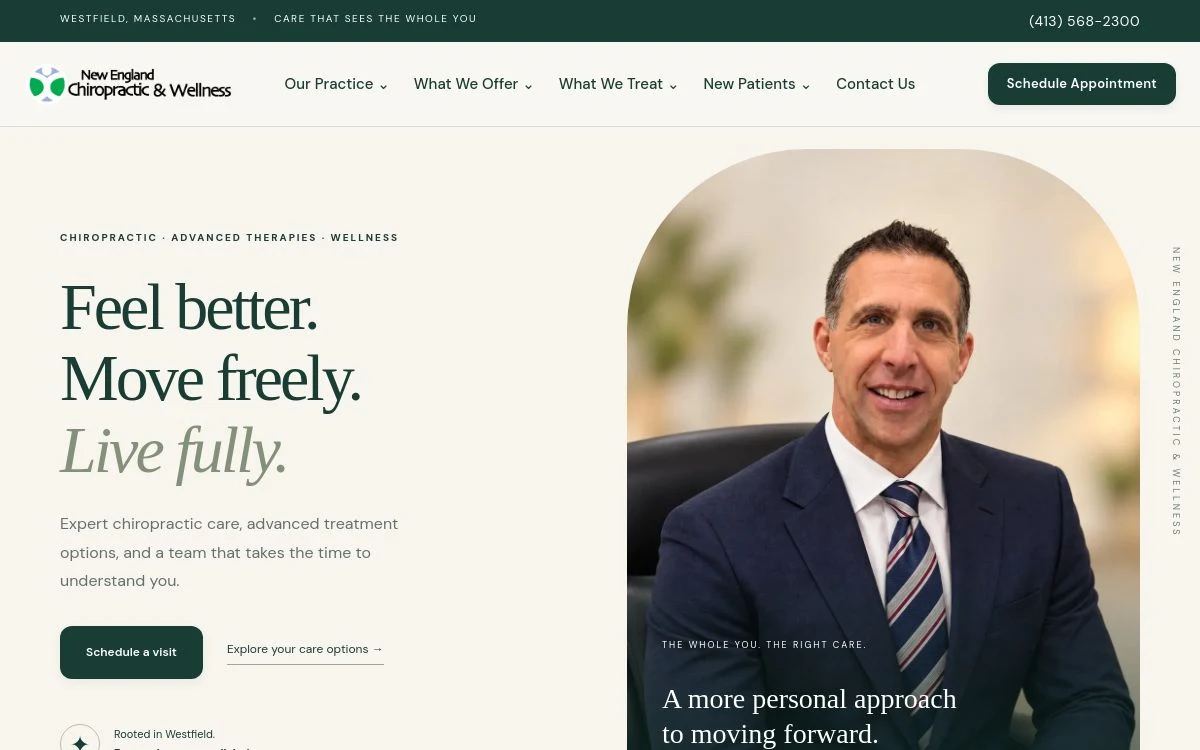
Live website
New England Chiropractic & Wellness
A practice introduction with organized services and patient information.
Explore the live site →
Industries Medical & Wellness
Make the first visit easier to book.
A patient may be comparing two practices on a phone after hours. Show who they’ll meet, which services you offer, and what happens at the first visit so they can decide whether to call or book.
Care options
Care explained in plain language
Give adjustments, decompression, or other services their own space when your plan allows.
Meet the doctor
A clear first-visit path
Put office hours, directions, and new patient information together.
Contact
Real practice photos
Introduce the doctor and show patients the office they’ll walk into.
Another direction
Put office hours, directions, and new patient information together.
Care options
Care explained in plain language
Give adjustments, decompression, or other services their own space when your plan allows.
Meet the doctor
A clear first-visit path
Put office hours, directions, and new patient information together.
Contact
Real practice photos
Introduce the doctor and show patients the office they’ll walk into.
Live website
A practice introduction with organized services and patient information.
Explore the live site →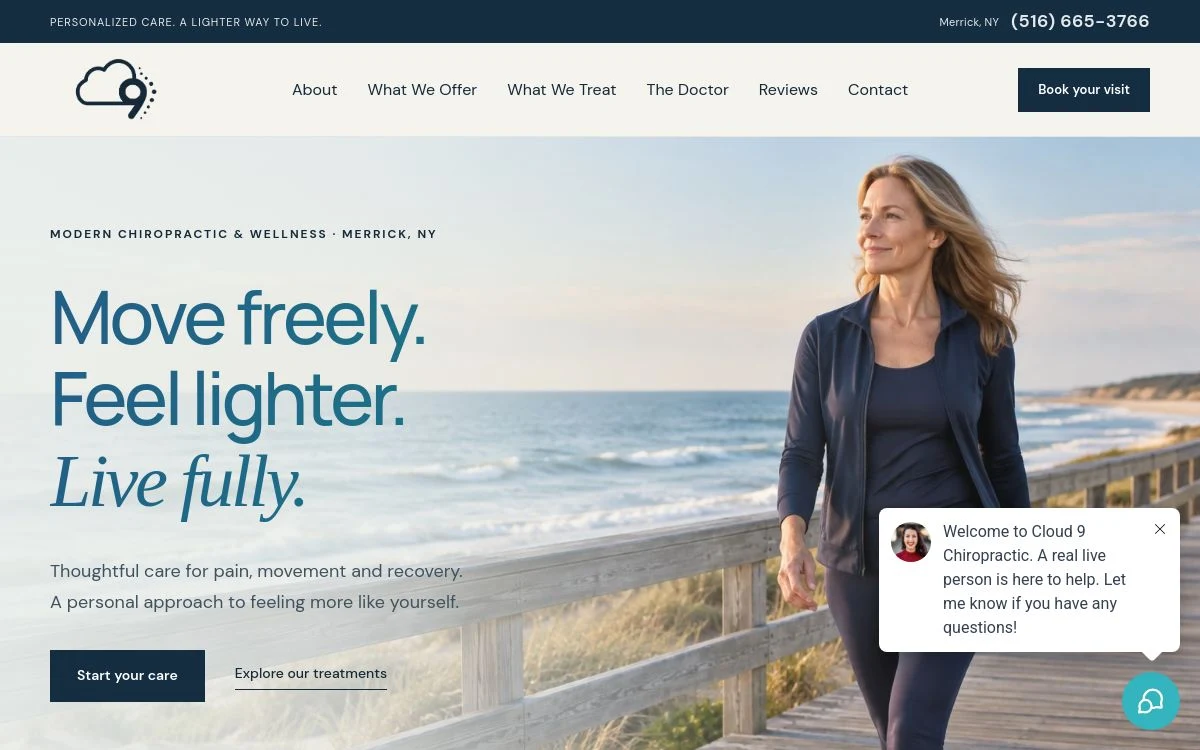
Live website
Dedicated service pages within a welcoming clinic website.
Explore the live site →Give adjustments, decompression, or other services their own space when your plan allows.
Put office hours, directions, and new patient information together.
Introduce the doctor and show patients the office they’ll walk into.
From search to first contact
They see which services you offer, meet the doctor, and check what happens at the first visit before booking. If you offer several types of care, group them in plain language and give the most important services more space as your site grows.
An example Starter site
What to send us
Doctor and office photos, priority services, new-patient instructions, current booking link, and the details of any offer you publish.
Start with what you need
Get up to five pages using the text, logo, and photos you supply, with a mobile-friendly design, contact form, hosting, SSL, and basic SEO setup.
Starter is $97 to get started, including the one-time $50 setup fee. Then $47/month, month to month. Content changes after launch are quoted separately.
Good to know
Get the details for your business before choosing a plan.
Send us your current URL. We can review domain access, existing pages, booking links, and any redirects needed before quoting your rebuild.
Start with the services you want patients to find quickly. If separate pages would answer different patient questions, use a plan with room for them.
Send your current URL so we can review what should move, how your domain is connected, and which forms or tools need to work at launch. See how we handle a redesign.